Best Tripods, Gimbals & Phone Mounts for Creators (2026)
Best Tripods, Gimbals& Phone Mounts
Shaky, badly framed video is an instant amateur tell. These are the tripods, stabilizers, and mounts that lock your shot down, hold any angle, and travel light, for every budget.
See the picks ↓Our Top 6 Picks
Chosen for stability, build quality, ease of use, and value. Tap any one to check the current price on Amazon.
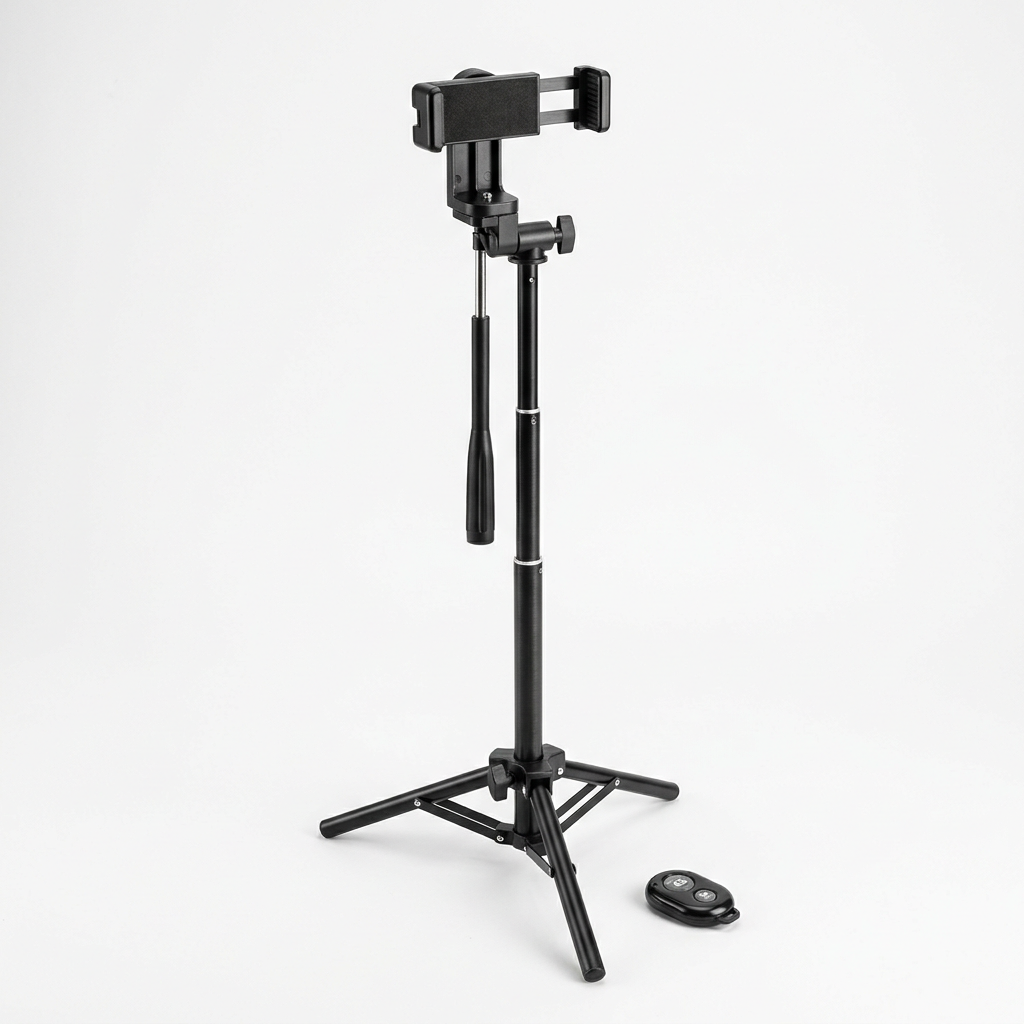
UBeesize 67" Phone Tripod
The all-rounder. Extends to 67 inches for eye-level shots, folds down for travel, holds a phone or camera, and ships with a Bluetooth remote. If you buy one stand, make it this. The backbone of any setup.
Check price on Amazon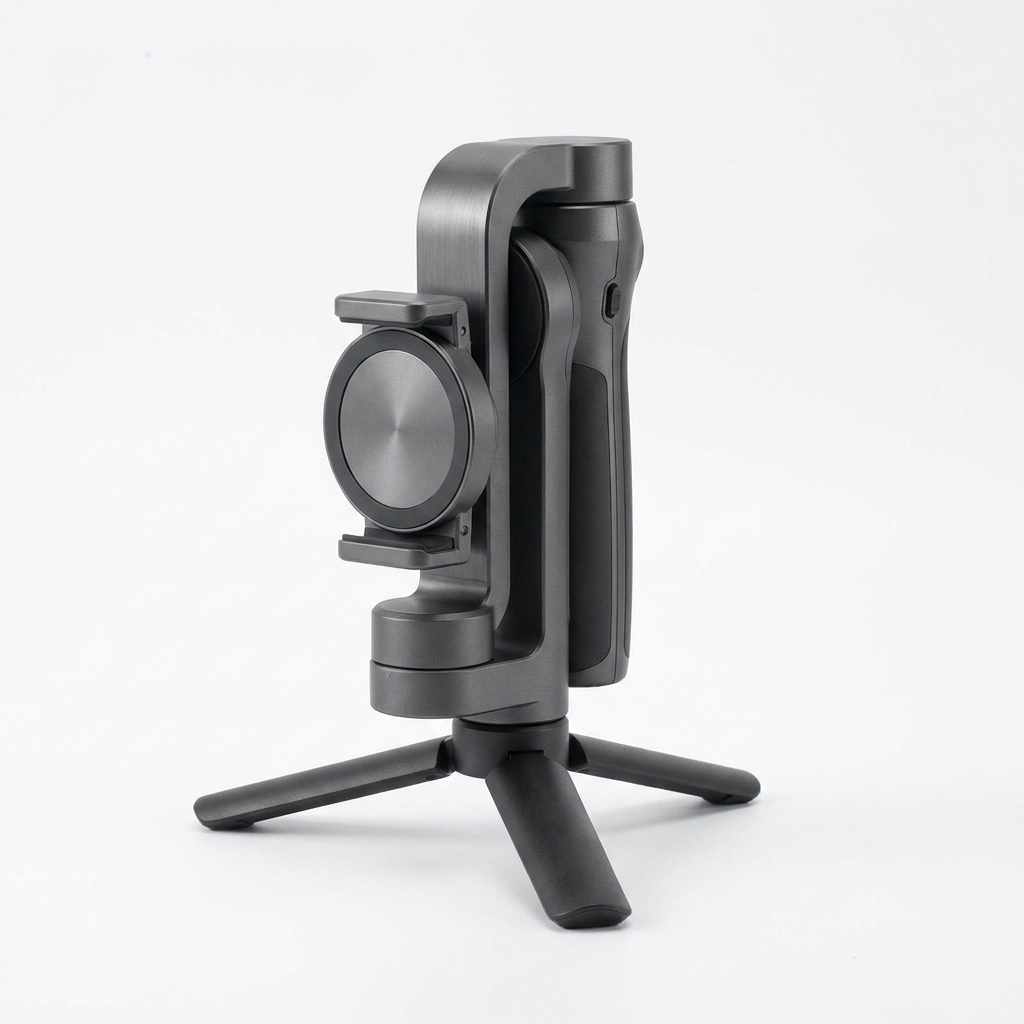
DJI Osmo Mobile SE
Smooth, stabilized motion without the premium price. 3-axis stabilization, subject tracking, and a magnetic clamp, plus it folds into a mini tripod. The best entry point into gimbals for most creators.
Check price on Amazon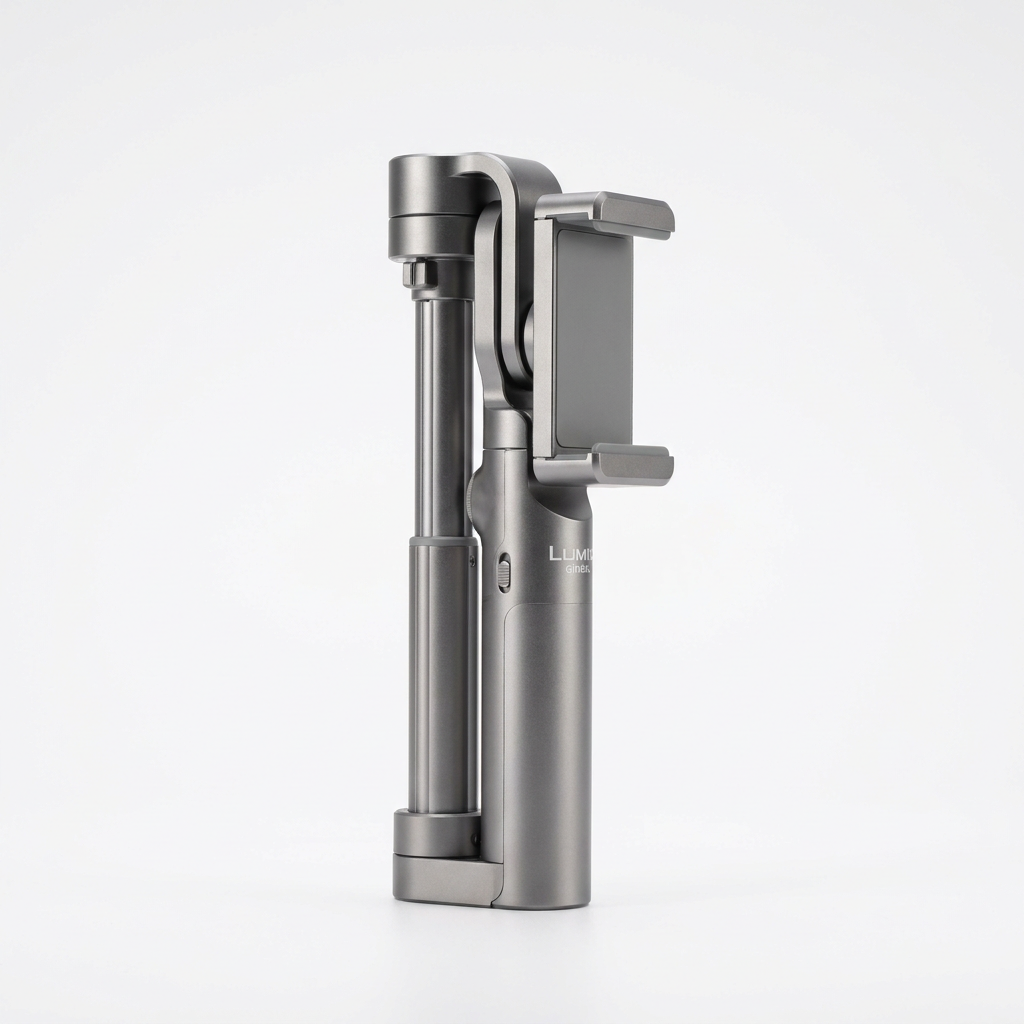
DJI Osmo Mobile 6
The step up for serious vloggers. A built-in extension rod for higher and group shots, smarter tracking, quick controls, and a status screen. Worth it when stabilized footage is a core part of your content.
Check price on Amazon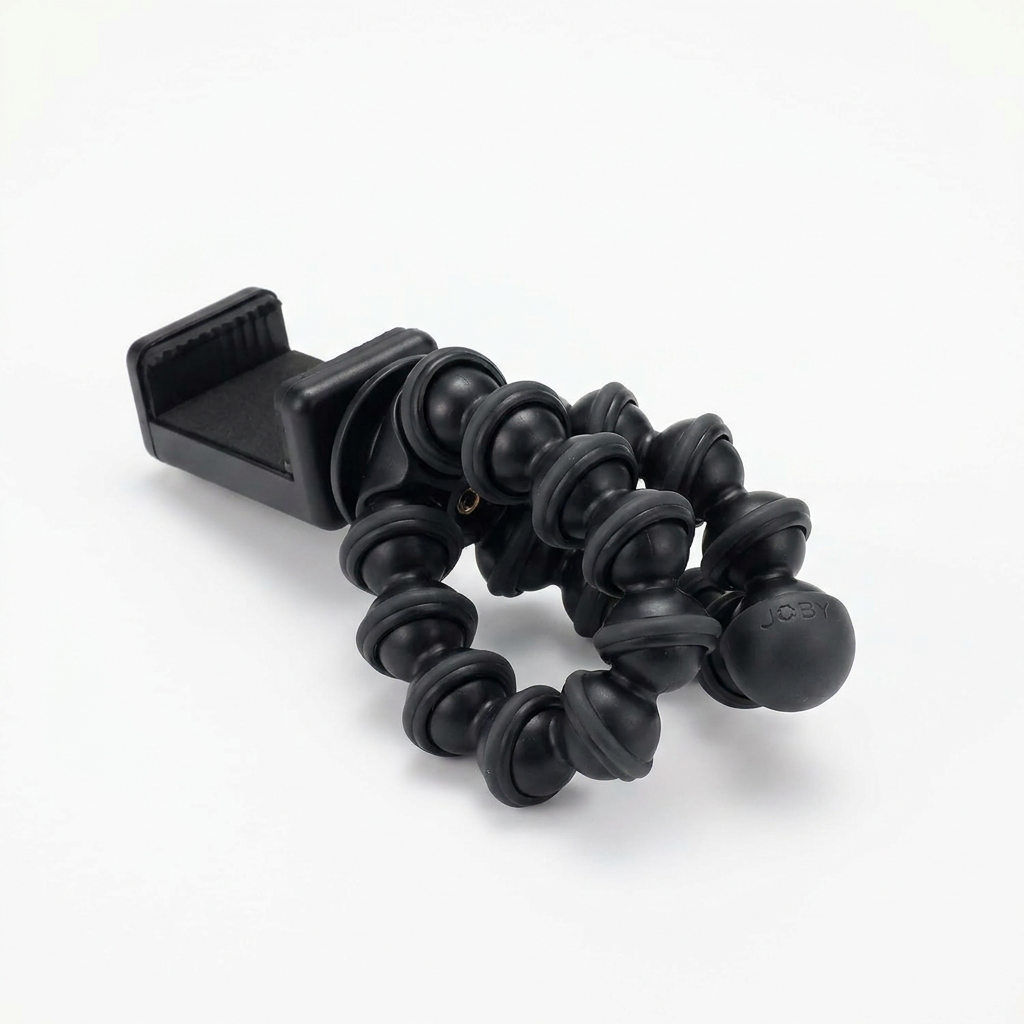
JOBY GorillaPod Starter Kit
Bendable legs that wrap around railings, poles, and branches, or stand on any uneven surface. Comes with a phone clamp and GoPro mount. The go-anywhere tripod for shots a normal stand cannot reach.
Check price on Amazon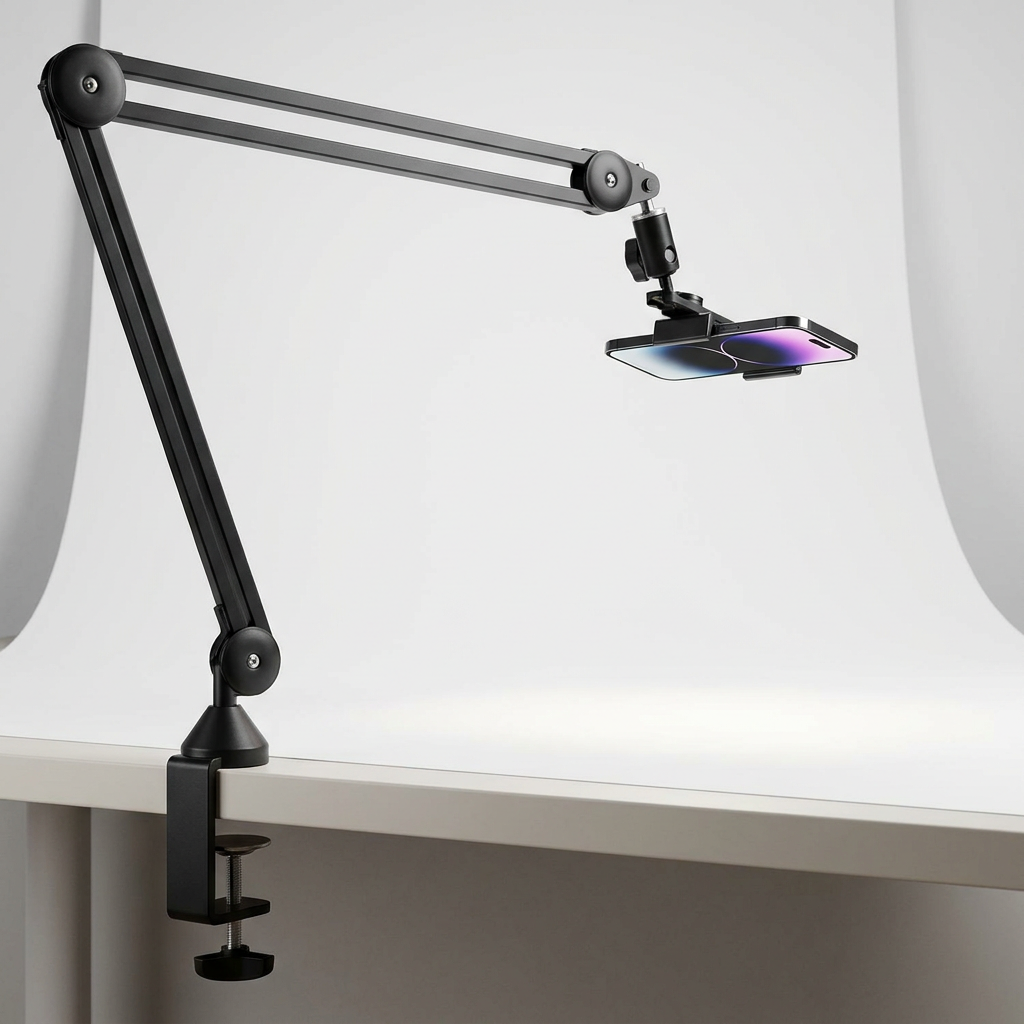
jusmo Overhead Phone Mount
The answer for top-down video, cooking, crafting, unboxing, or product demos. Clamps to your desk and swings a phone directly over your work surface, with full angle adjustment. A whole filming style most creators skip.
Check price on Amazon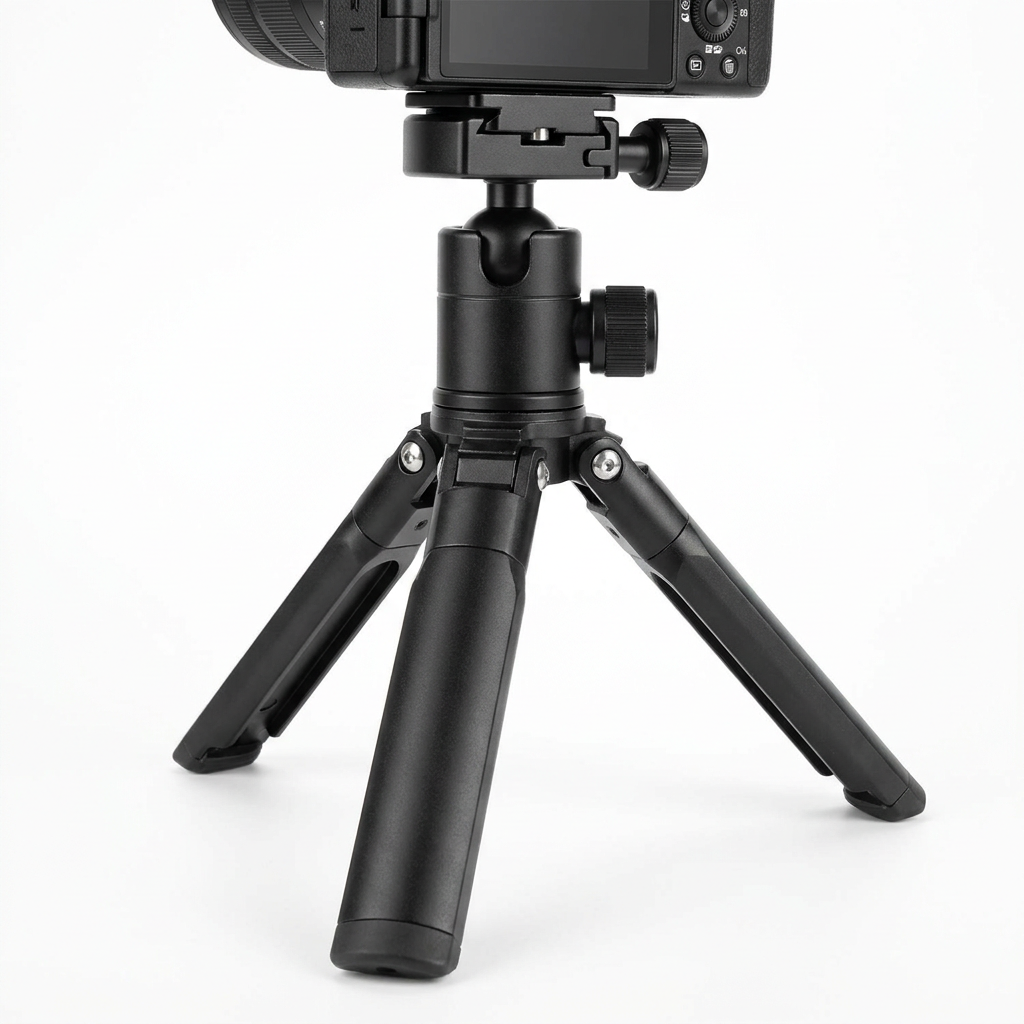
Manfrotto PIXI Mini Tripod
A pocketable, premium-built desktop tripod that doubles as a handgrip for handheld shots. Rock solid for desk setups, product shots, and travel. The little tripod that quietly outlasts everything else.
Check price on AmazonHow to Pick a Tripod or Gimbal
- Match the height to your shots. A 60-plus inch tripod for standing/eye-level, a mini tripod for desk and travel.
- Get a gimbal only if you film while moving. For static talking-head or desk work, a tripod is enough.
- Check the load rating. Phone mounts are fine for phones, but a heavier camera needs a sturdier head.
- A Bluetooth remote is worth it. Starting and stopping without touching the phone keeps shots clean.
- Flexible and mini tripods are the cheapest upgrades and unlock angles a big tripod cannot.
FAQ
Do I need a gimbal and a tripod?
Most creators start with just a tripod. A gimbal only matters once you film while walking or moving. If you sit at a desk or shoot talking-head, the tripod handles it.
What is the single most useful pick here?
The UBeesize 67-inch tripod. It covers eye-level shots, folds for travel, and includes a remote. It is the one stand almost every creator uses.
What is an overhead mount for?
Top-down filming, cooking, crafting, unboxings, drawing, product demos. It clamps to your desk and positions the phone directly above your work surface, a setup a normal tripod cannot do well.
Are these your honest picks?
Yes. We only list gear we would actually use. The links are affiliate links, so we earn a small commission if you buy, at no cost to you.